
Imagine you’re a general assignment reporter for a midsize local news outlet. Your daily stories are a mix of covering school board meetings, city budget plans, and community events. But your week—and your beat—is suddenly upended when a massive wildfire breaks out nearby, threatening your town.
Now, you’re working round-the-clock to bring your audience the information they need. Accurately communicating evacuation routes and weather patterns in your area is essential to your breaking news coverage—but so is explaining the disaster in the broader context of climate change, delving into the health risks of smoke inhalation, and digging into the evidence behind emergency alert systems. Science is at the heart of each of these stories, but as a reporter increasingly pressed for time and resources, you may wonder, Where do I even start?
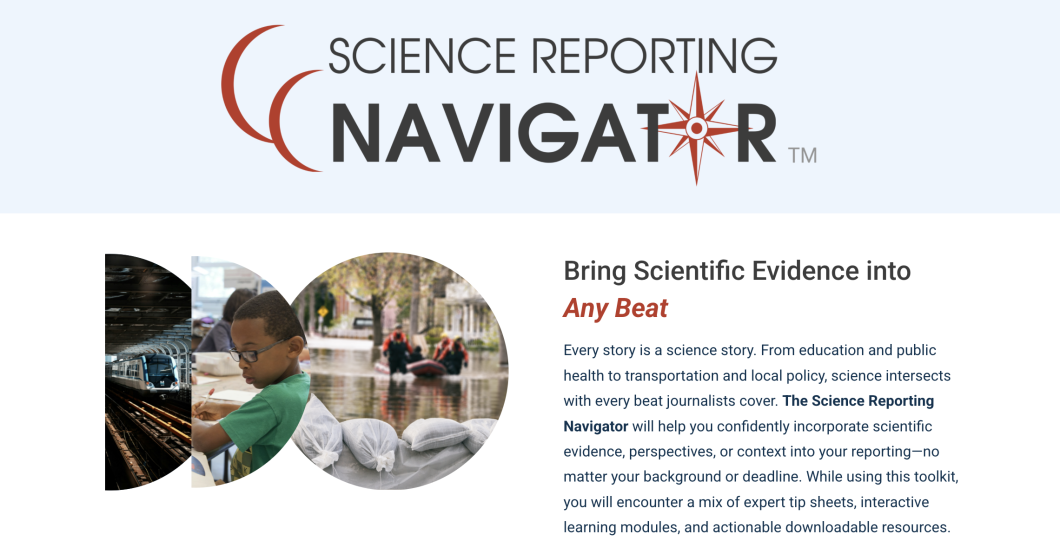
The Science Reporting Navigator stands ready to walk you through complex reporting scenarios and help you integrate science into any beat. The Open Notebook and the Reynolds Journalism Institute are thrilled to announce the launch of this interactive toolkit, designed specifically with local and community reporters in mind.
Local journalism plays an integral part in informing the public and dispelling misinformation. Yet there’s a common misconception that covering science falls solely under the purview of reporters with a background in science who write for niche outlets. This artificial divide between science journalism and the rest of journalism weakens the industry to the detriment of the communities we serve.
With the help of the Science Reporting Navigator, you’ll learn how to access and digest scientific papers, find and interview researchers with relevant expertise, and interrogate claims. And if you want to dig deeper, you can explore how to analyze data relevant to your story, decipher statistical terms, cover controversial science, and more.
The information in the Navigator distills our vast archives into interactive lessons designed to deliver key points quickly—so journalists can get what they need, even for quick-turn stories.
Our goal is to make it doable—and even easy—for journalists on any beat to incorporate scientific evidence into the stories they’re already reporting for their communities. As a result of this nuanced reporting, audiences are better informed about the issues they care about most.
You can choose how you navigate through the toolkit by selecting one of three options that best suits your needs.
1. Follow a Learning Path
Journalists can select one of six scenarios that aligns with their work and walk through a series of lessons addressing those reporting needs. This is the fastest way to get practical, immediate support for your stories.
2. Explore by Topic
If you have a little more time or prefer to explore on your own, you can browse through dozens of short, accessible lessons, organized around 10 themes. Dive into Covering Developing Science, for example, to learn how to cover preliminary research with the right dose of caution. Or open Navigating Scientific Data for a primer on finding stories within scientific data.
3. Browse Our Resource Library
Our lessons are packed with downloadable templates, worksheets, and checklists. Choose this option to quickly access a helpful resource for a specific task. If you’re emailing a scientist, you’ll find an email template ready to copy, paste, and customize. If you’re reporting on a new study, you can complete a worksheet to help you construct a rough draft with the key elements in place. The resource library also includes a searchable glossary of key terms defined throughout in the toolkit.
We hope the Science Reporting Navigator illustrates the vital importance of including scientific evidence in stories and empowers journalists to do so accurately and confidently.
We’d love for you to join us for our launch webinar on October 23 at 2:00 pm CT where we will showcase the different ways journalists can use the navigator.
Many thanks to our team who helped make this project possible, including especially Kate Fishman and our design and development partner, Relief Applications.